
Virtual work screens
Organize separate websites in individual Chrome windows. Create as many screens as you need with Pro.
Keep your websites organized in separate Chrome windows, switch between saved layouts and make better use of every monitor.
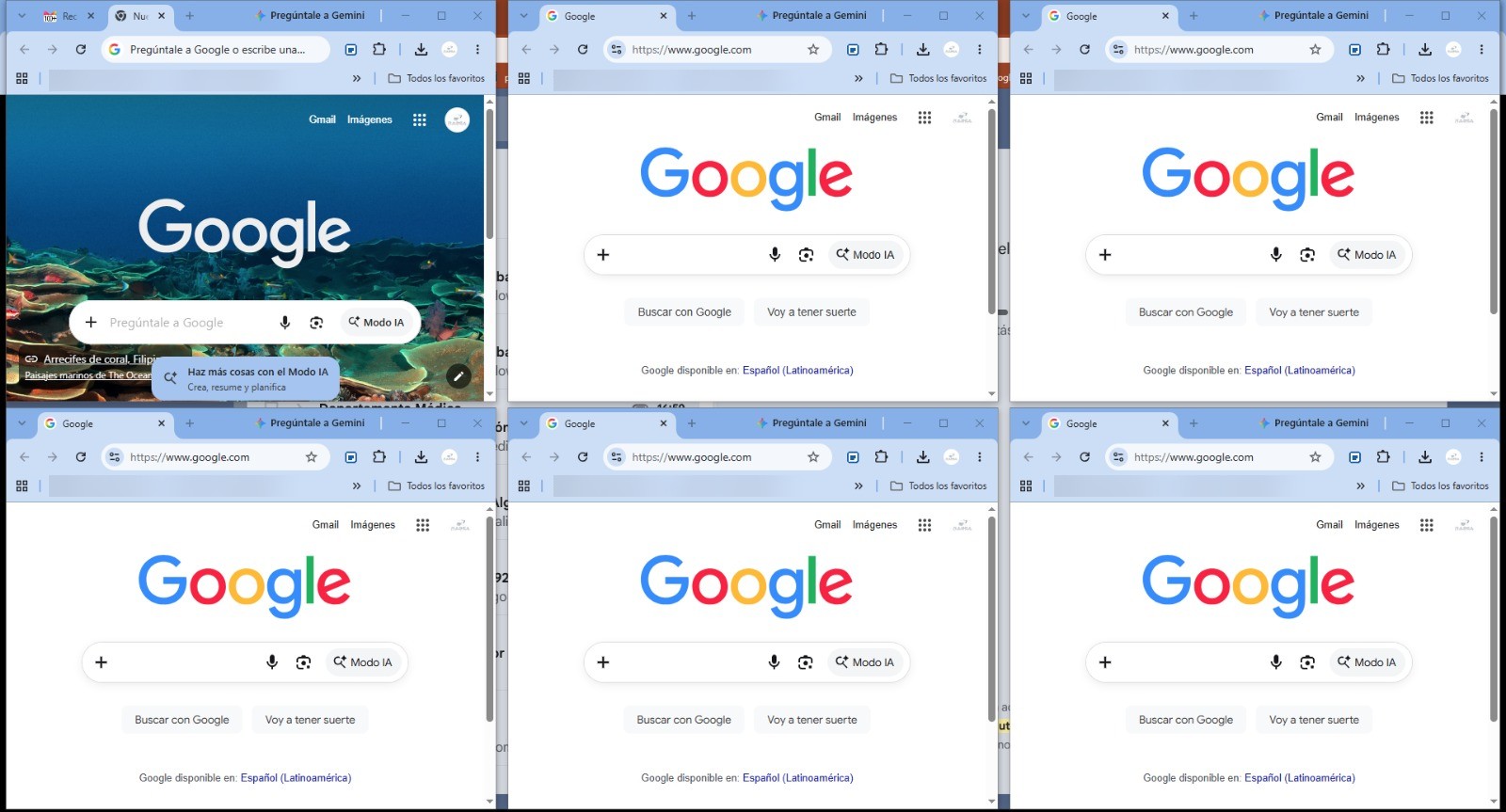
MultiView Flow turns Chrome windows into organized work screens. Build a layout for your everyday tasks, arrange it across available monitors, and come back to saved workspaces without rebuilding everything manually.
Organize separate websites in individual Chrome windows. Create as many screens as you need with Pro.
Detect your connected monitors and assign browser windows to the appropriate display.
Save different window layouts for projects and switch between your configurations.
Arrange windows automatically in a grid, columns, or a main-and-secondary layout.
Configure each screen’s URL, browser mode, zoom and optional dashboard reload.
Send a link to another configured screen from a browser context menu.
Manage physical monitors, virtual screens, workspaces, layouts and individual settings from a single interface.
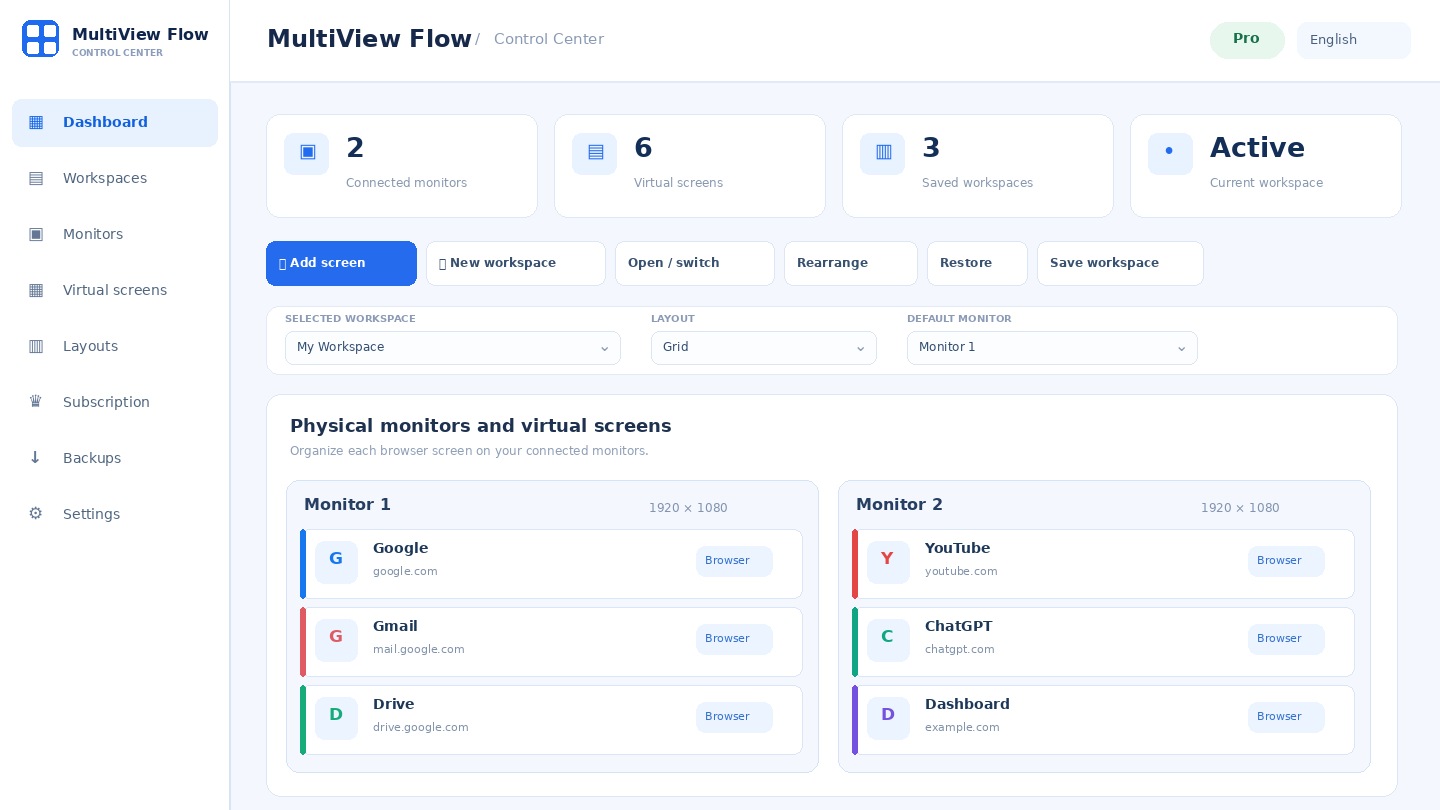
Open several websites side by side instead of constantly moving through a long list of tabs.
Add MultiView Flow from the official Chrome Web Store.
Choose your websites, virtual screens and preferred monitor layout.
Save workspaces and open the setup you need for each task.
For trying organized browsing.
For complex and multi-monitor workflows.
The extension is free to install. Pro is an optional recurring subscription handled through PayPal on this website.
It is a Chrome extension that organizes browser windows into virtual work screens and saved workspaces, across one or more physical monitors.
No. Virtual work screens are organized Chrome windows. The extension arranges those windows on the physical monitors connected to your computer; it does not create virtual hardware displays.
Yes. The Free plan includes two Chrome windows and one basic workspace. Pro adds more virtual screens and advanced tools.
MultiView Flow Pro costs US$3.99 per month. Payments are handled through PayPal on this website.
No. Workspace settings and saved URLs remain in local Chrome storage. The server is contacted only to check Pro licensing information.
Create an account on this page, subscribe through PayPal, generate your license when payment is confirmed, and enter the license in the extension.
Yes. You can cancel future recurring payments from your PayPal automatic payments settings. Pro access continues through the paid period.
Yes. It detects the physical monitors available to Chrome and can organize windows across them. Available arrangements depend on screen size and operating-system limitations.
Create your account or sign in to subscribe, activate Pro and manage registered devices. Your existing account functions remain available below.